Windows
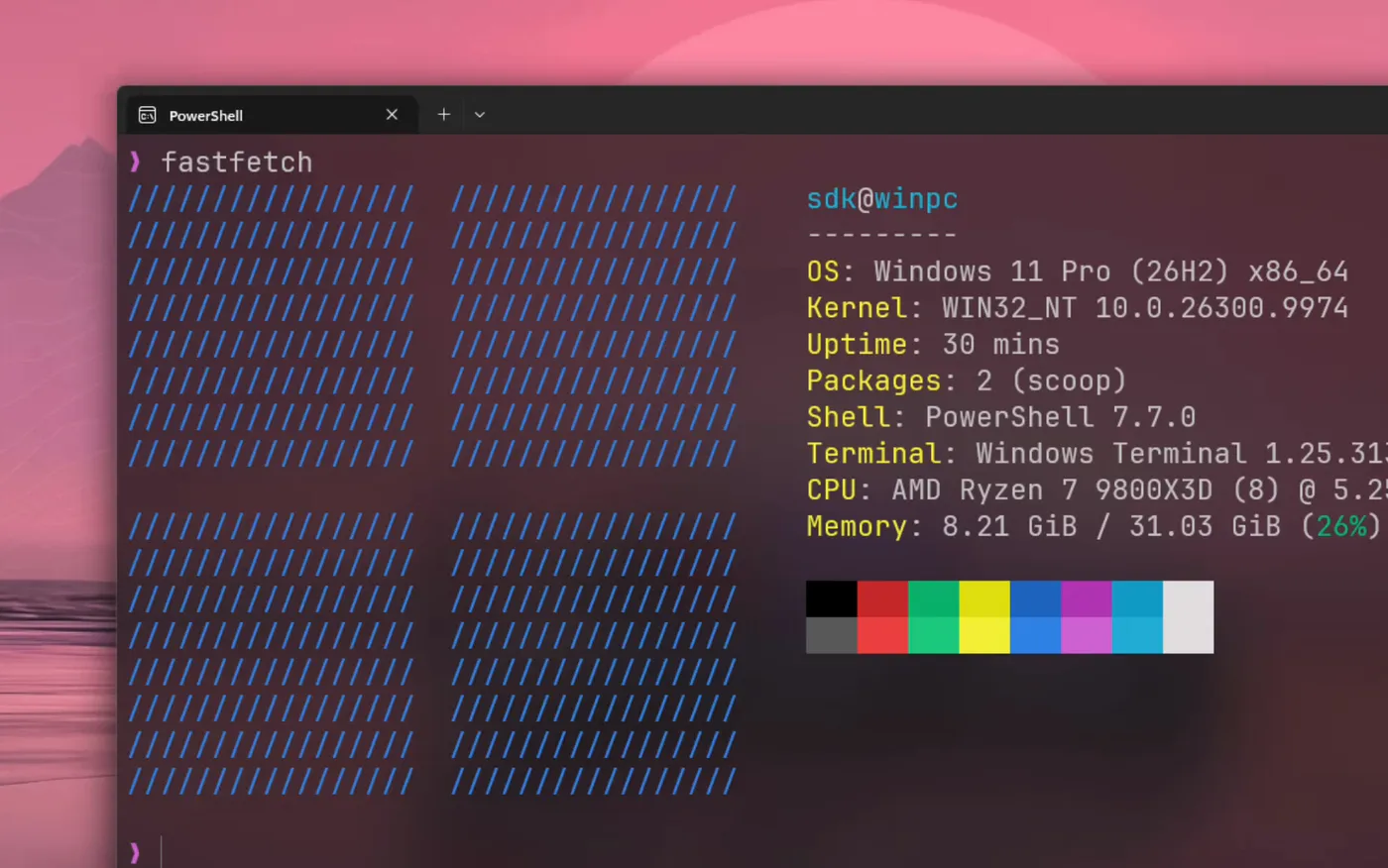
Over RDP, the protocol behind Windows Remote Desktop.

Remora is a fast, native RDP and VNC client. Your Windows, Linux and Mac machines open as tabs in one window, and your AI agents can use them too.
Download for MacFree and open source. Requires macOS 26 on Apple silicon.
Remora is a native Mac app. Metal draws every frame, and hardware video decoding keeps the remote desktop sharp and responsive. It speaks RDP and VNC, so one app reaches every machine you have.
Over RDP, the protocol behind Windows Remote Desktop.
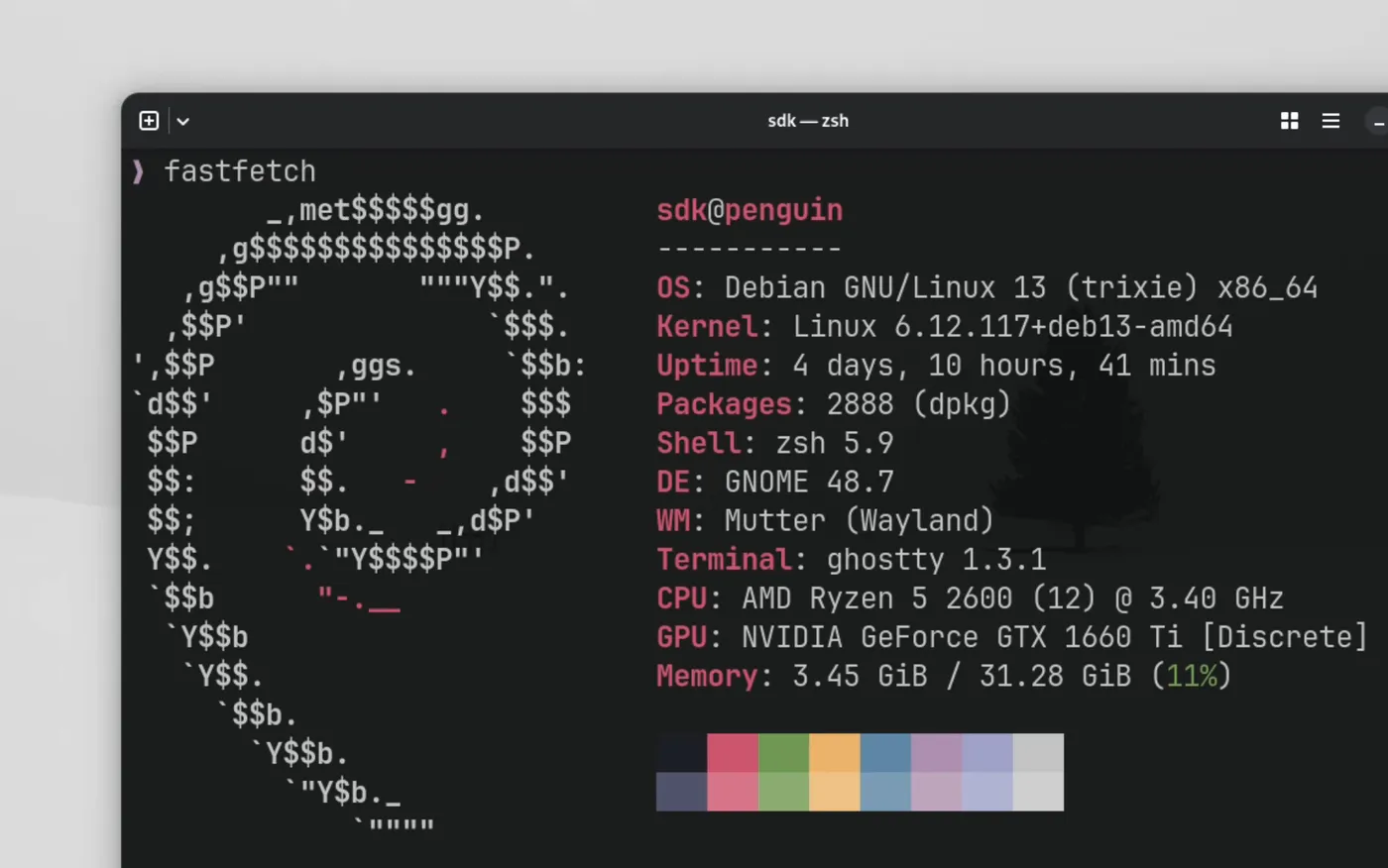
Over RDP with GNOME Remote Desktop, or over VNC.
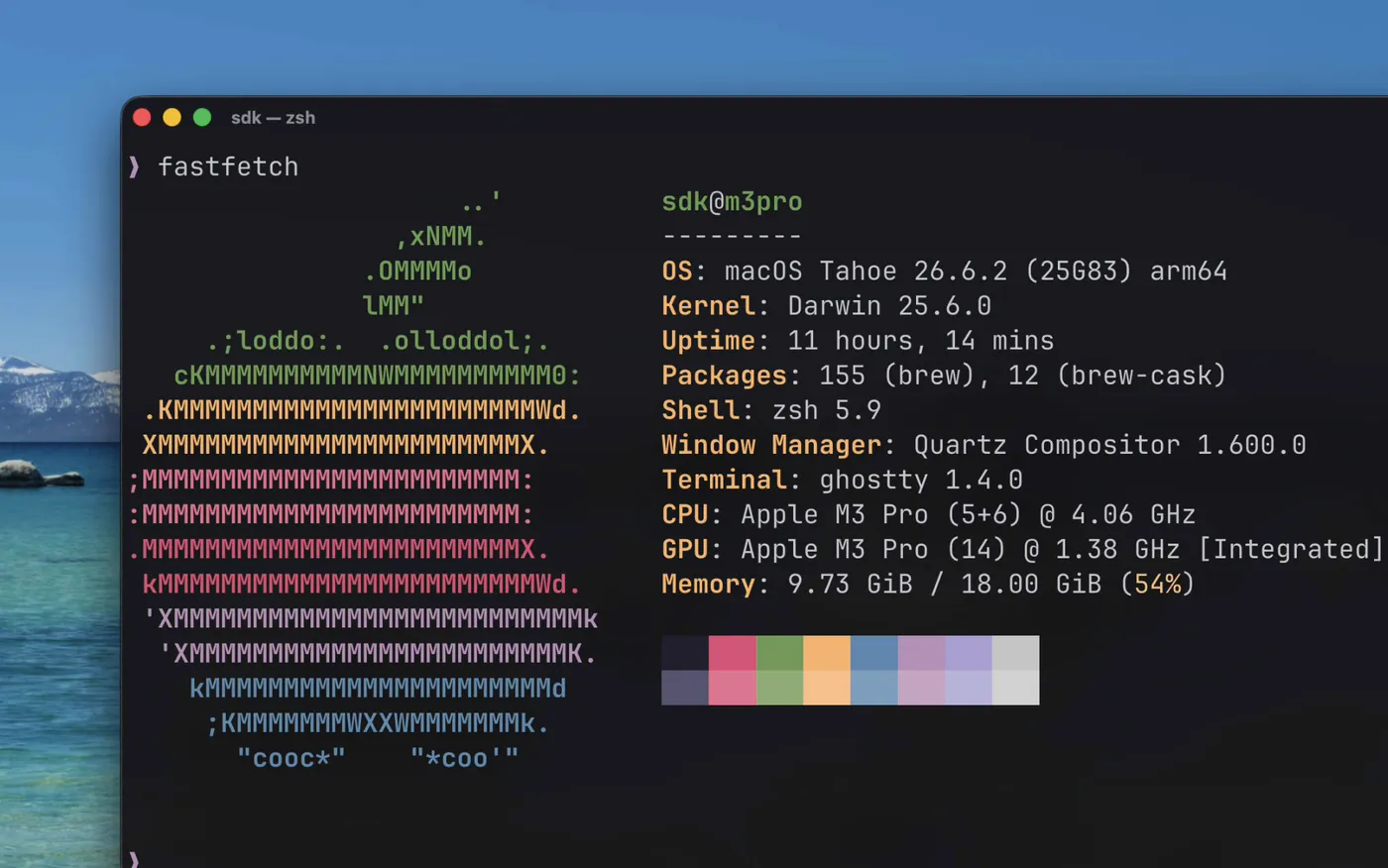
Over VNC, with Screen Sharing turned on.
Keep several machines open at once and move between them with one click.
Text you copy on one machine pastes on the other.
Take a screenshot or record a video of any remote desktop.

Yes. Remora is free and open source under the GNU GPL v3. The source code is on GitHub.
Yes. Remora connects to Windows over RDP, the protocol behind Windows Remote Desktop. Turn on Remote Desktop on the PC, then add its address in Remora. The PC needs Windows Pro, Enterprise or Education. Windows Home cannot accept Remote Desktop connections.
Yes. Remora connects to Linux desktops that serve RDP, such as GNOME Remote Desktop, and to VNC servers.
Yes. Turn on Screen Sharing on the other Mac, and Remora connects to it over VNC.
Any agent that can run the remora CLI can use it. Remora installs a skill for Claude Code, Codex, OpenCode, Cursor, or any other agent.
Download the disk image, open it, and drag Remora to Applications.
Download for MacFree and open source. Requires macOS 26 on Apple silicon.